Rich notes with folders, tags, images and voice
Ninja Notes keeps formatted notes, checklists, photos and voice recordings in nested folders and colour tags, synced to your account. It suits people who want one place for recipes, trip plans, meeting notes and lists, on the phone, the Mac and the Apple Watch.


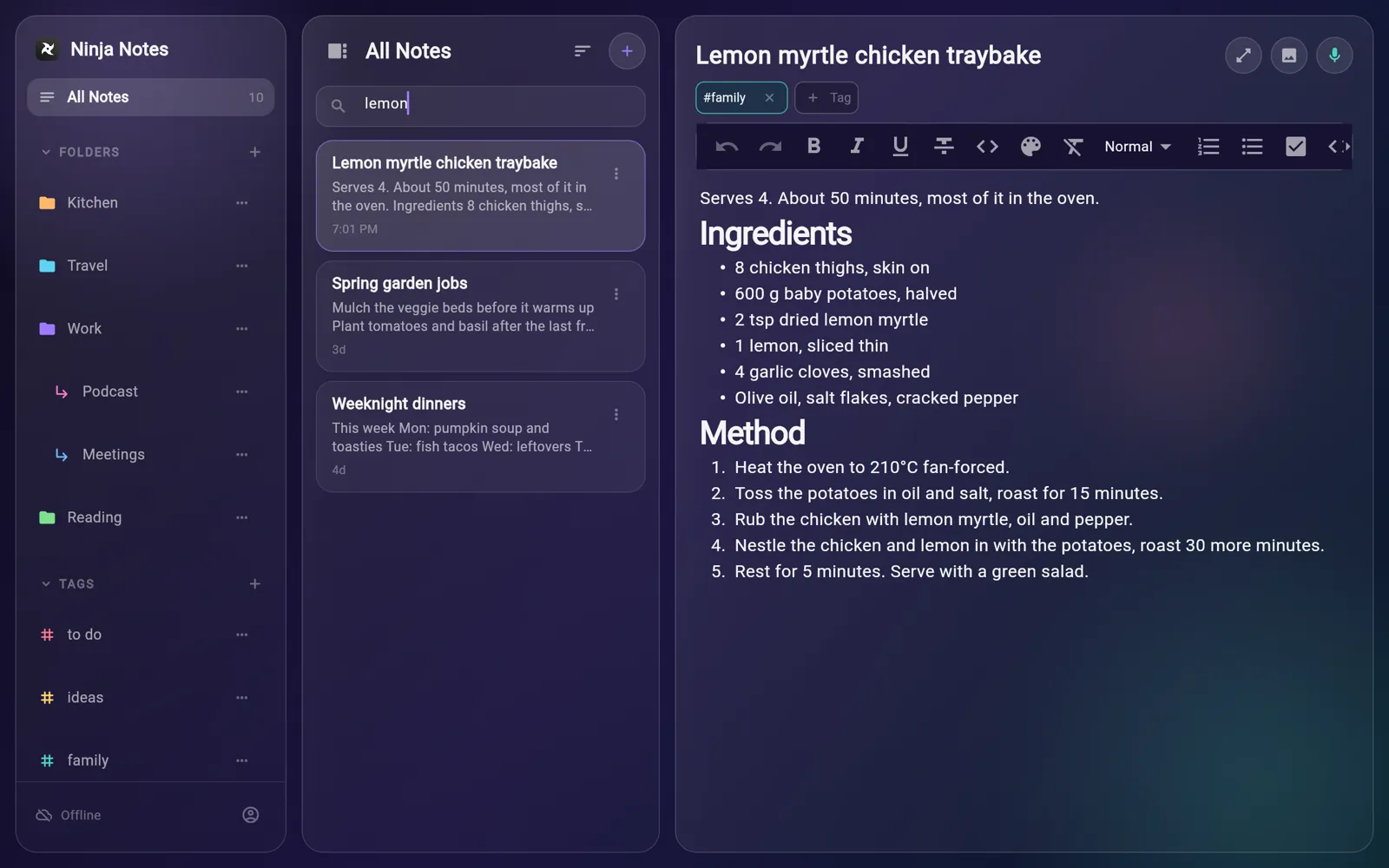
Notes live in a local database on each device, so they open and save without a connection; changes are queued and uploaded when the app is back online, and the sidebar shows whether it is synced, connecting or offline.
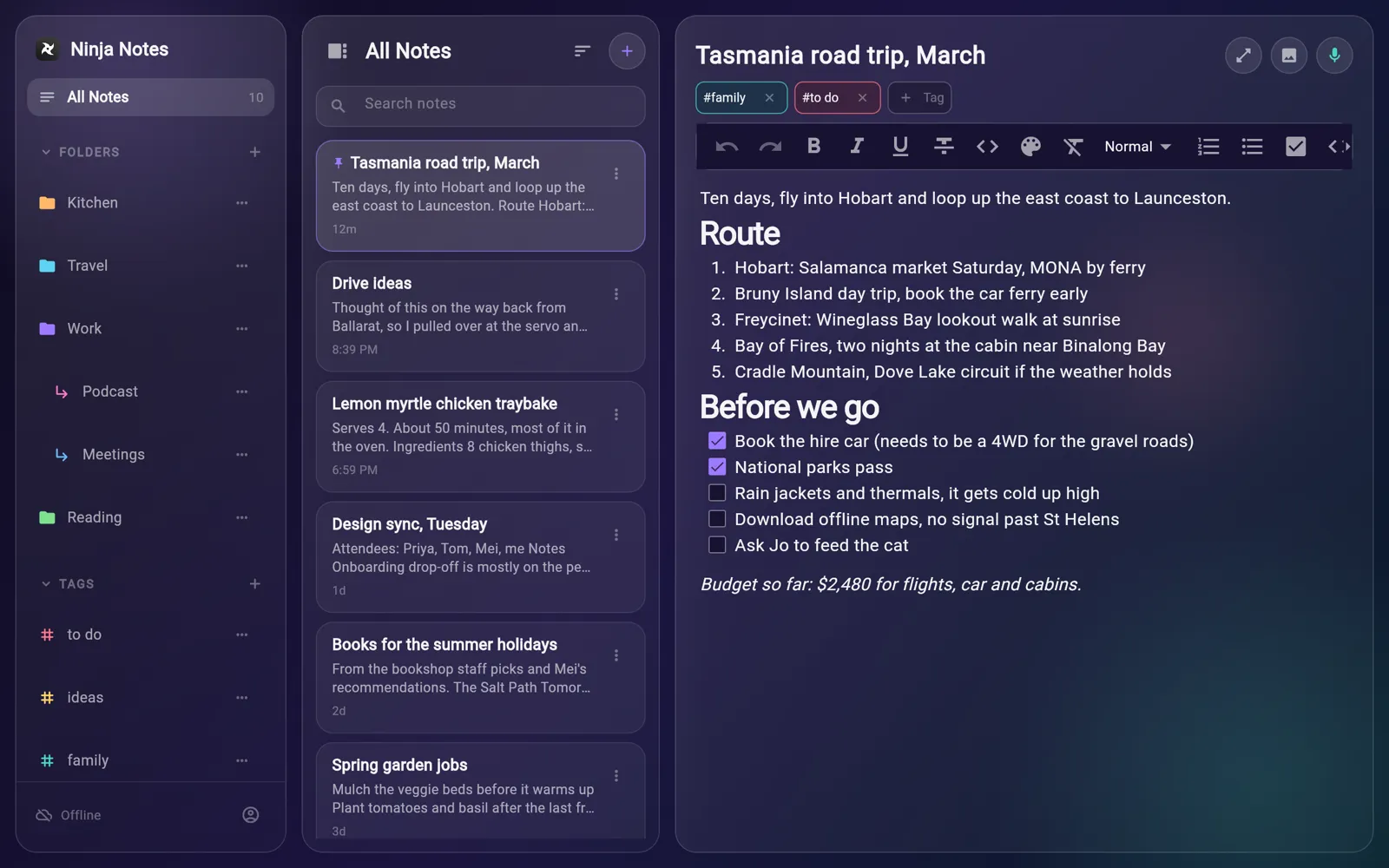
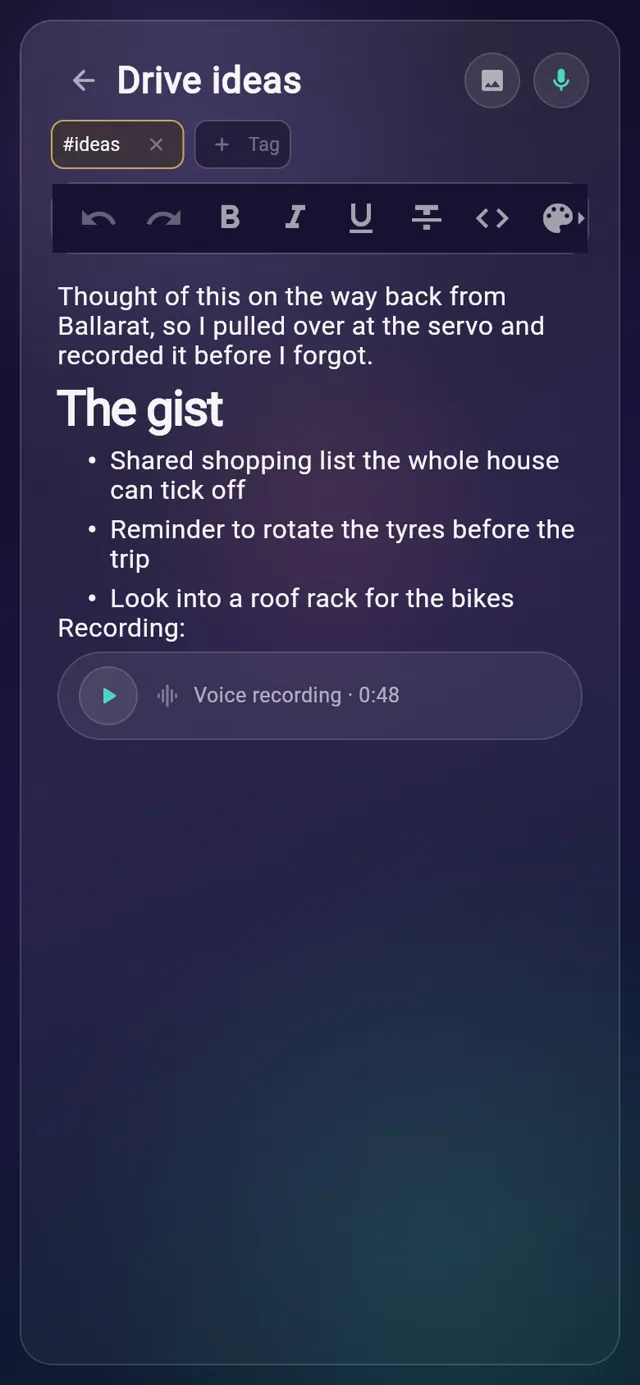
Each note has a title, a formatting toolbar and a body that saves itself a moment after you stop typing. Headings, lists and checklists sit alongside plain paragraphs, so a recipe or a trip plan reads the way you wrote it.

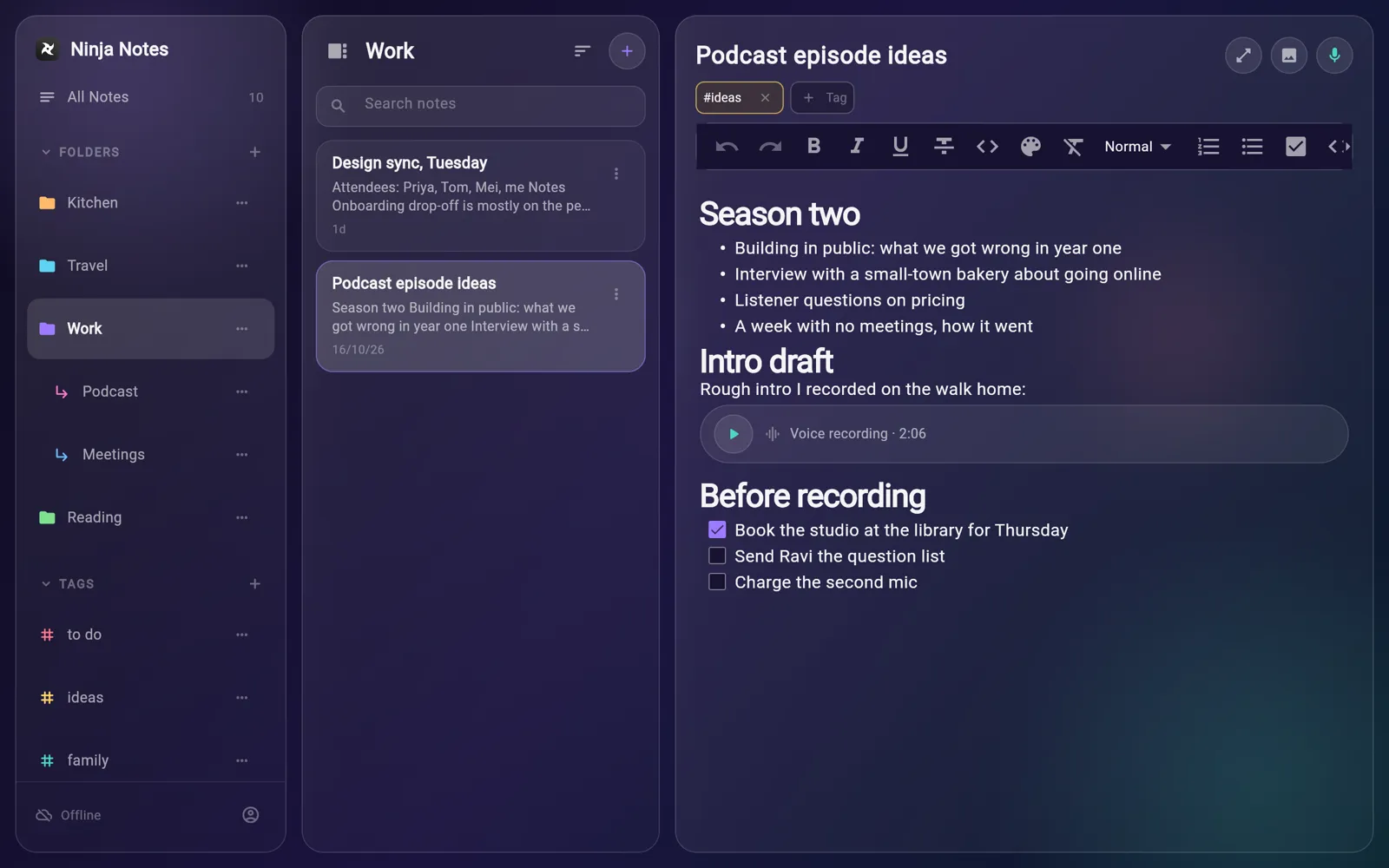
Folders can hold subfolders, and opening a folder shows the notes in everything beneath it. Tags work across folders, so one note can sit in Kitchen and still show up under family.

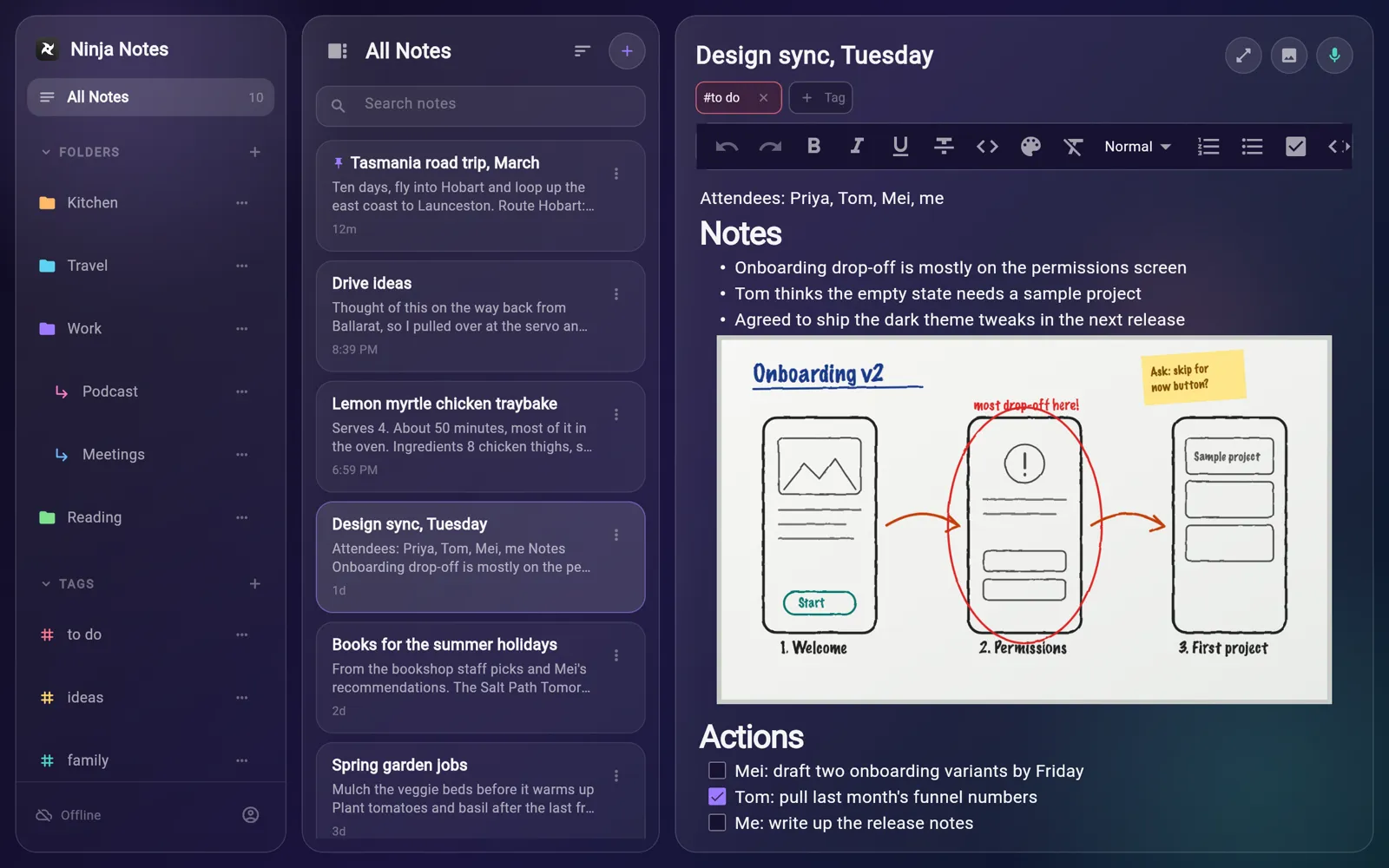
Add a photo from your library and it appears inline, between the paragraphs it belongs with. A whiteboard sketch stays next to the meeting notes that explain it.

Tap the microphone, talk, then stop and insert. The recording drops into the note as a small player with its length shown, and you can play and scrub through it later.

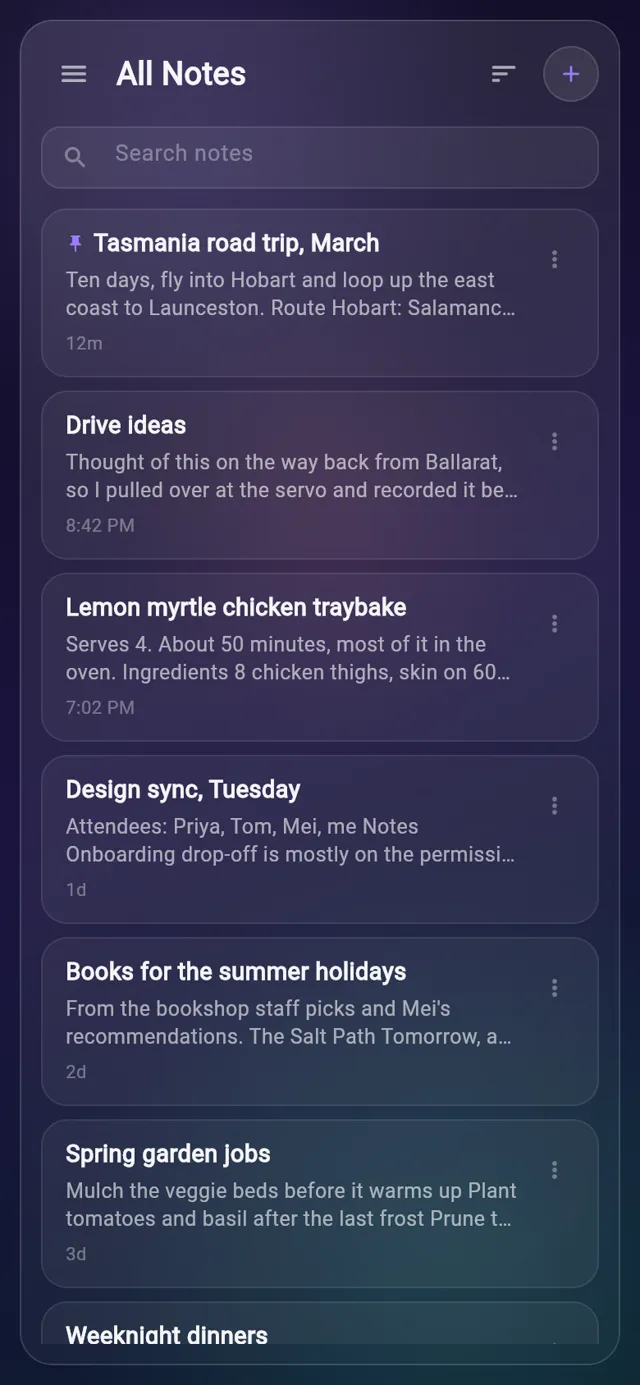
The search box filters the current list as you type, matching note titles and the opening text of each note. On a wide screen, focus mode hides the sidebar and list so the note fills the window.

The Apple Watch app shows your notes from the iPhone and sends changes back. You can start a note by dictation, tick checklist items, or add to a note without taking the phone out.
Real screens from Ninja Notes, filled with sample data.

Sidebar, note list and editor side by side on a wide screen.
An email when there is news about Ninja Notes, a new app comes out or a new Journal post goes up.