A songwriting notebook for lyrics, keys and voice memos
Lyric Bird is a lyrics editor with section cues, key and BPM for each song, voice memos, and rhyme and synonym lookup. It suits songwriters who want words, rough takes and song details kept together and grouped into albums.


You sign in with a KINGMODE account, songs are kept in a local database on each device so editing works offline, and changes sync between your devices in the background, with voice memos and cover art uploaded separately.
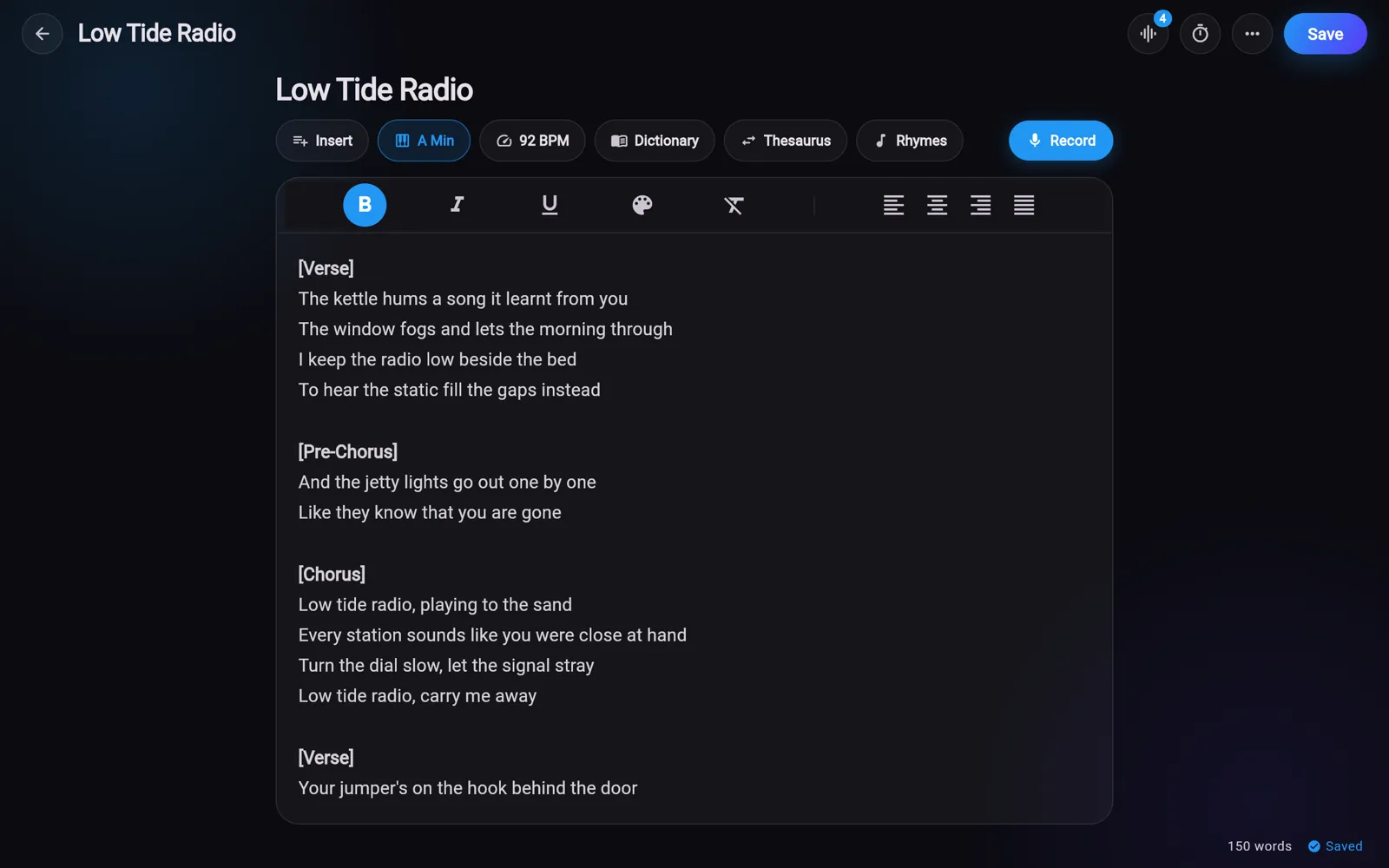
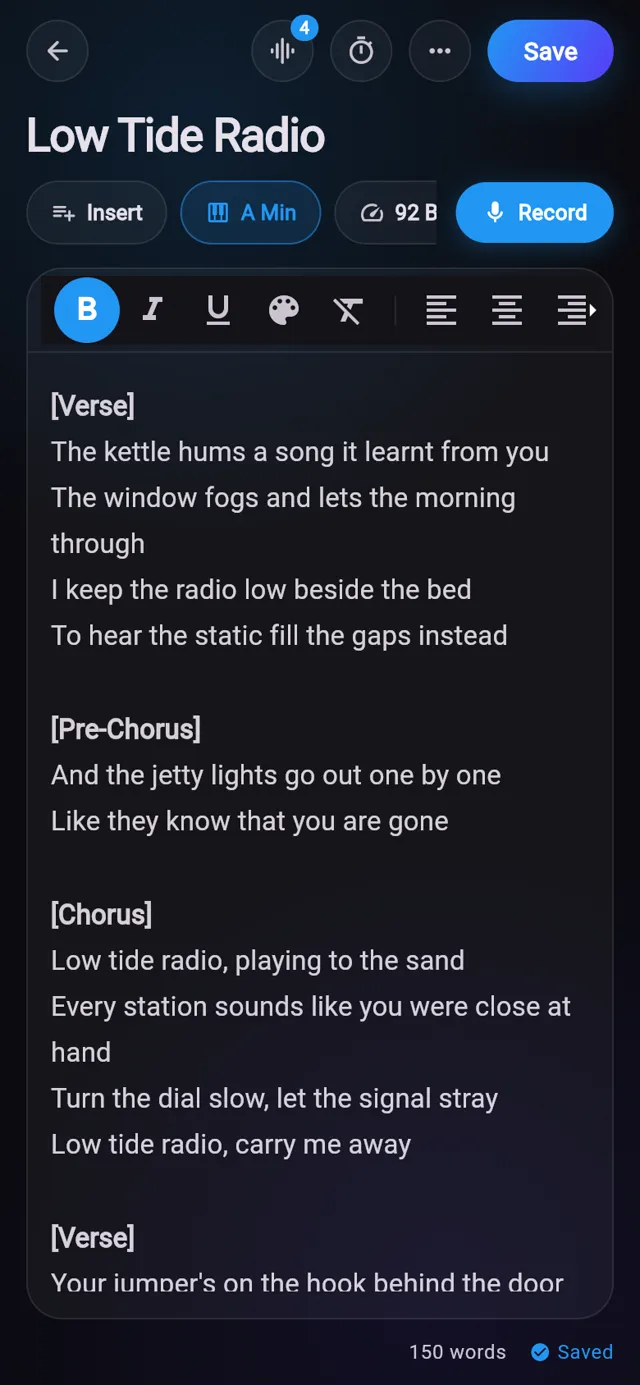
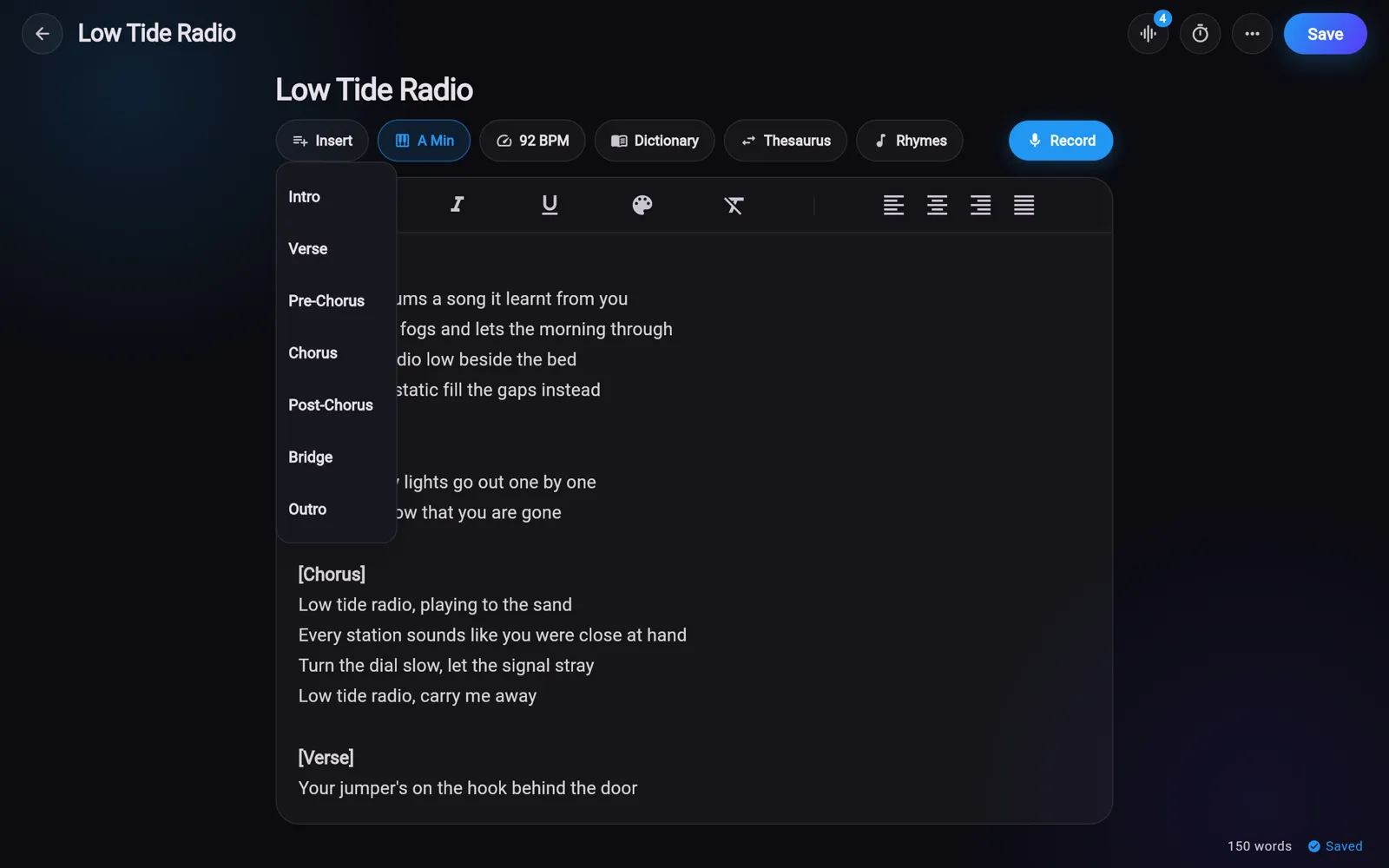
Each song opens in a rich-text editor with its title, key and tempo above the words. The Insert menu drops a bold section cue such as [Verse] or [Chorus] at the cursor, so the shape of the song is visible at a glance.

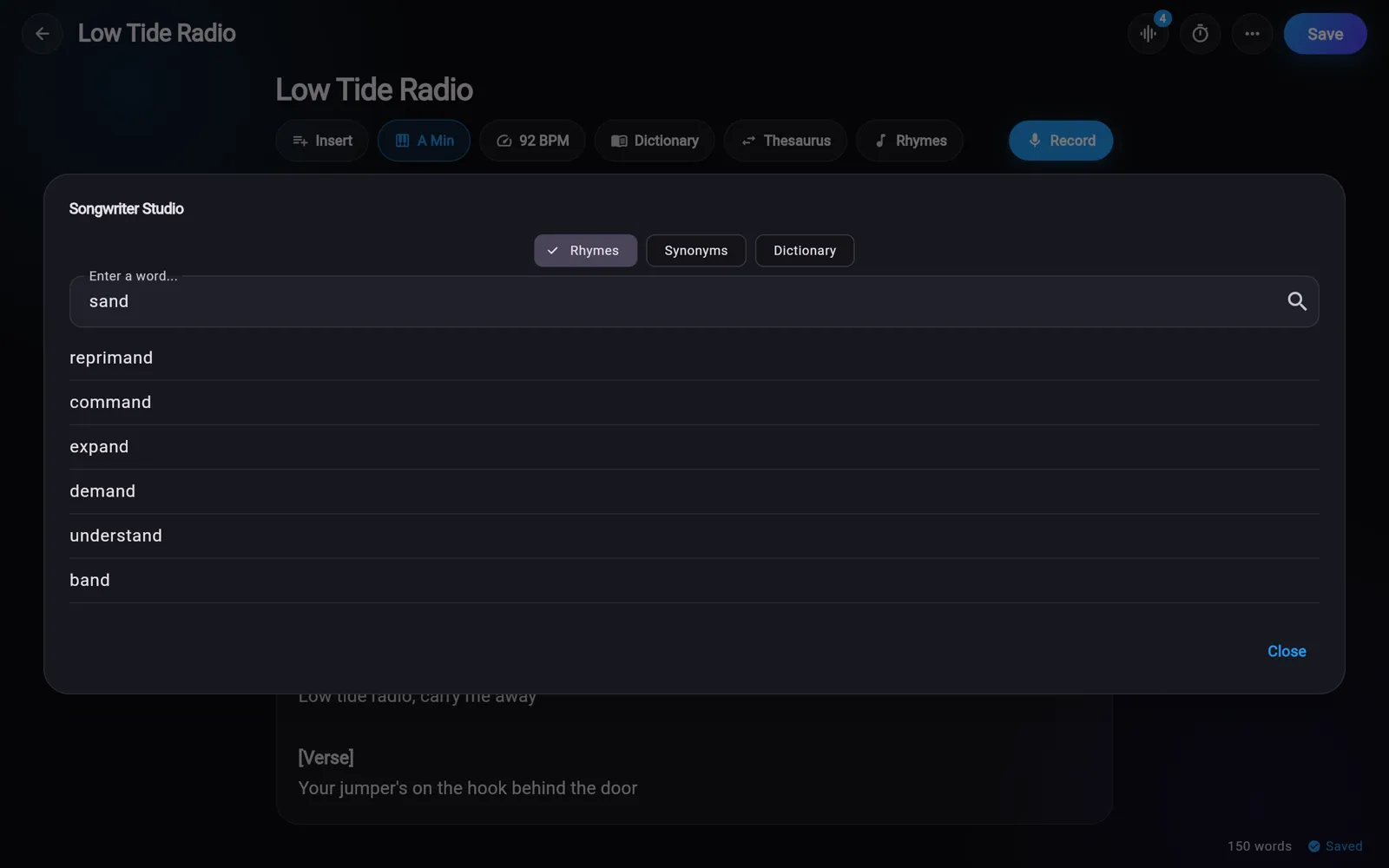
Select a word in your lyrics and tap Rhymes, Thesaurus or Dictionary to look it up. Tap a rhyme or synonym in the results and it is inserted at the cursor.

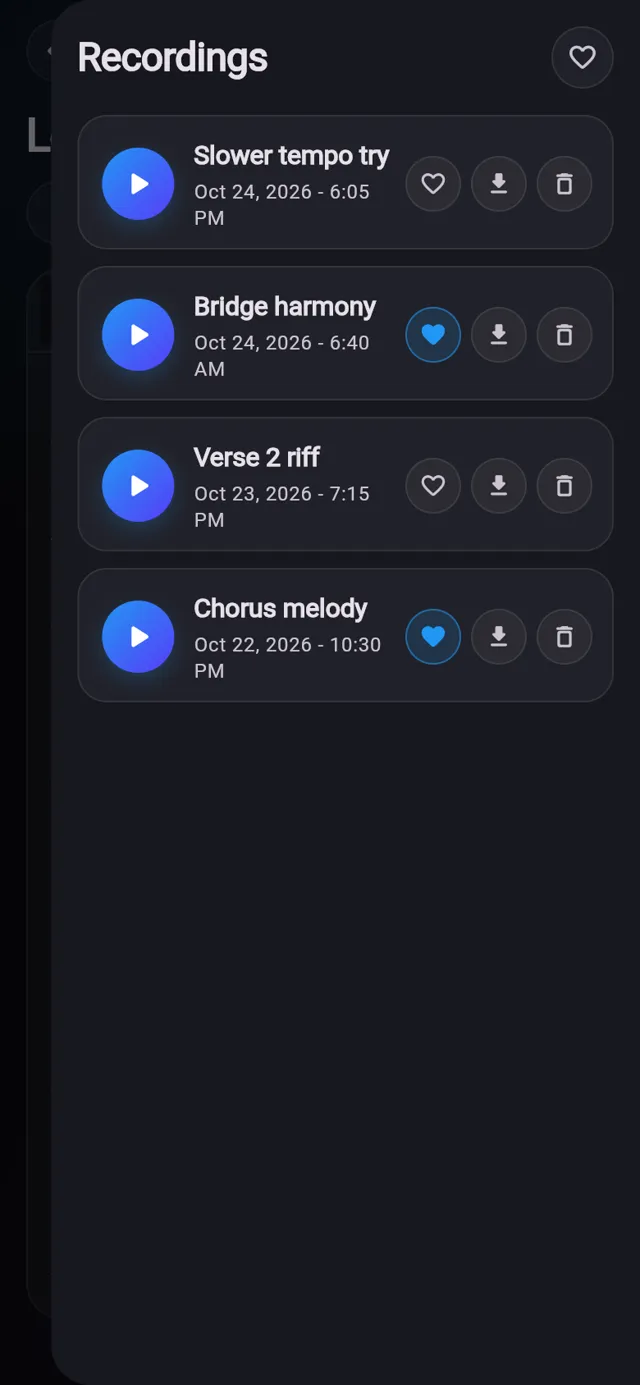
Hit Record in the editor to capture an idea, and the take is saved against that song. The Recordings panel lists every take with the date it was made.

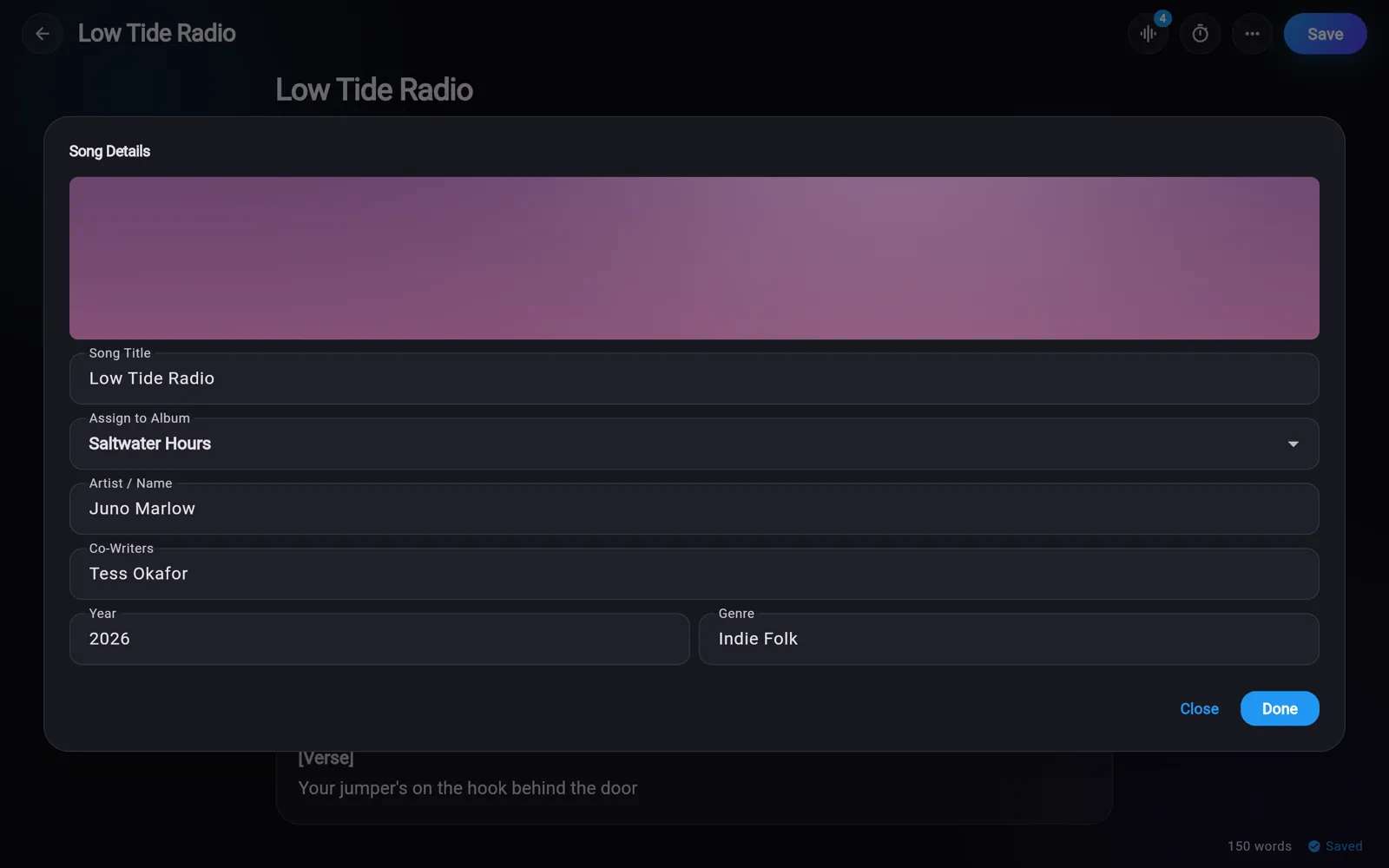
Each song carries its musical key, BPM and a set of details you fill in once. Those details show on the song cards, so the library doubles as a quick reference.

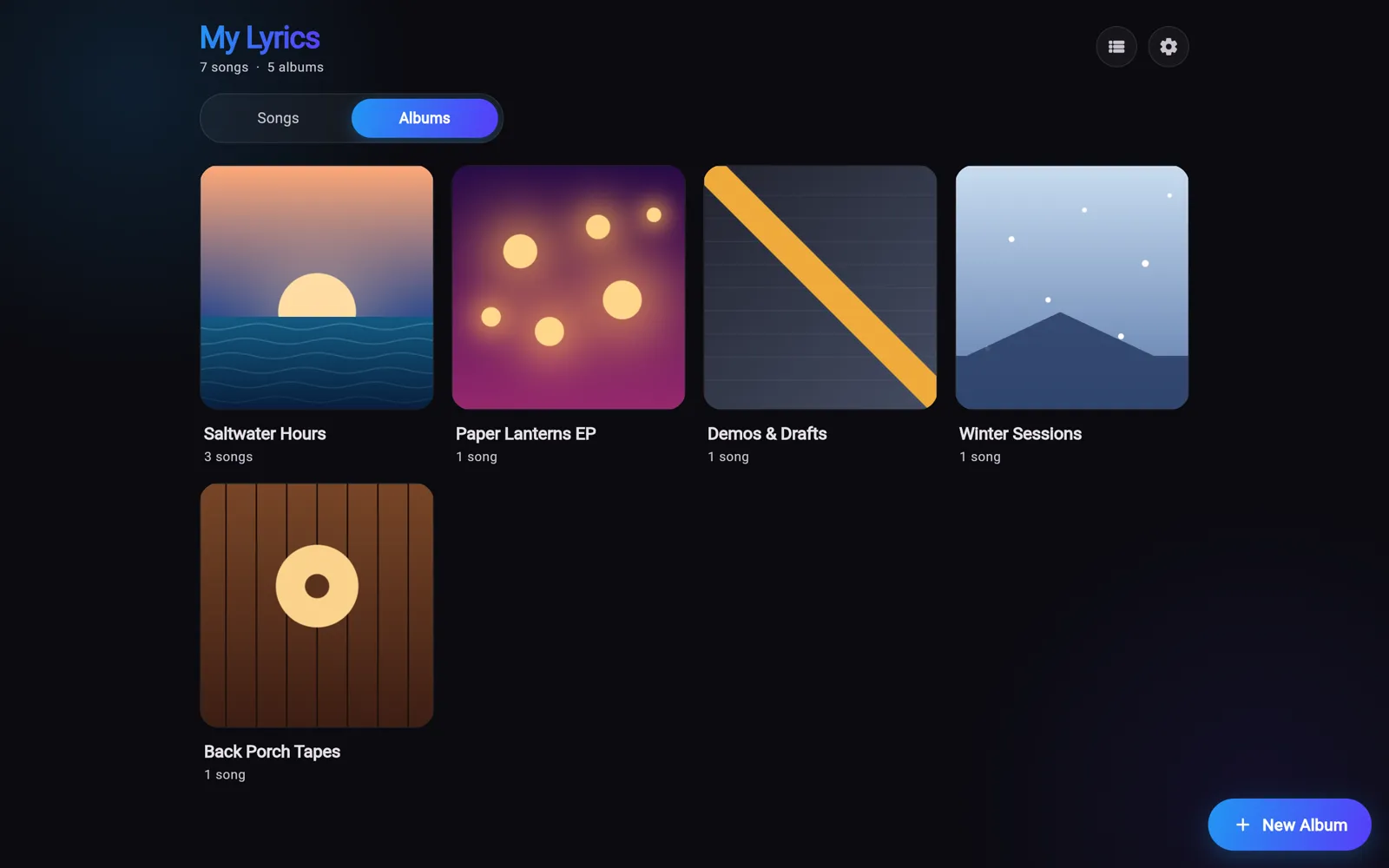
The home screen lists every song with a lyric preview and its BPM, key and genre. The Albums tab groups songs with their cover art, as a grid or a list.

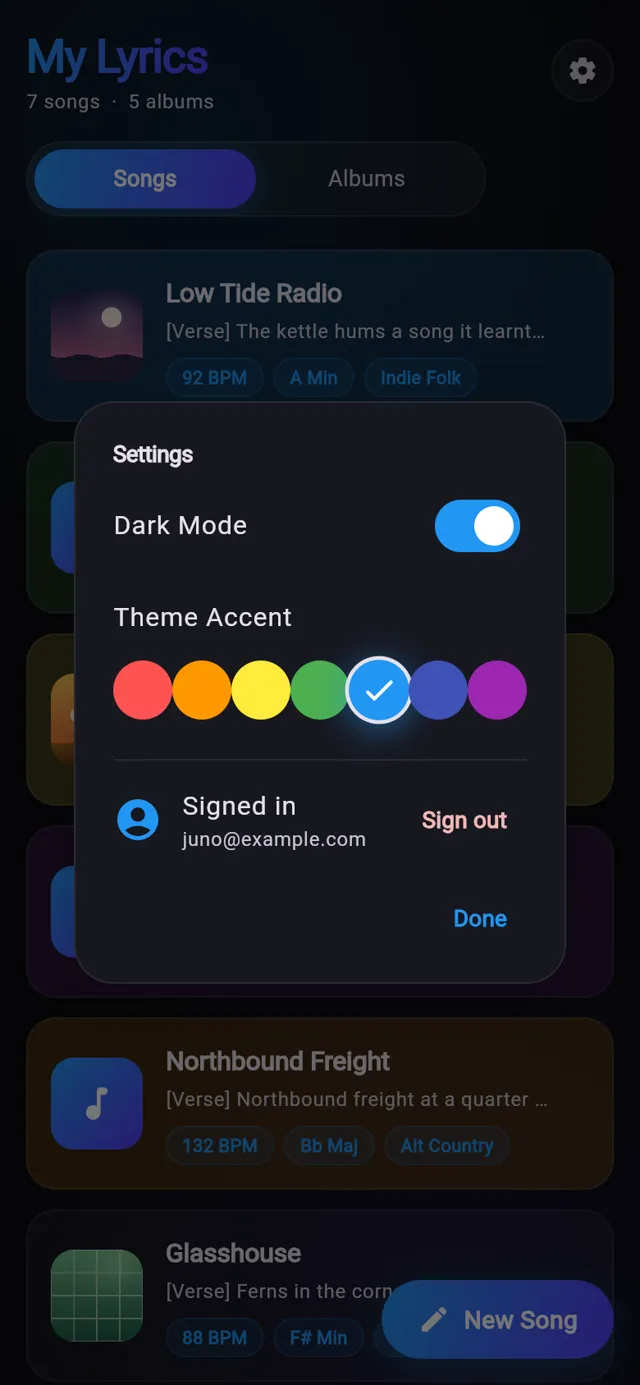
Settings has a dark mode switch and seven accent colours that tint buttons, chips and highlights across the app. Your choice is remembered between launches.

Real screens from Lyric Bird, filled with sample data.

A song open in the editor, with bold section cues, its key and BPM, and the lookup buttons above the lyrics.
An email when there is news about Lyric Bird, a new app comes out or a new Journal post goes up.