KMPhotographers
Photography websites
Your own site instead of SmugMug, with every gallery moved across for you.
A fast portfolio site on your own domain, plus an admin where you upload photos, arrange galleries and change the design yourself. Every screen on this page is fredking.co, which moved off SmugMug this way.
782photos moved from SmugMug
10ready-made styles
6gallery layouts
3 sto publish a change
01The website
What visitors see
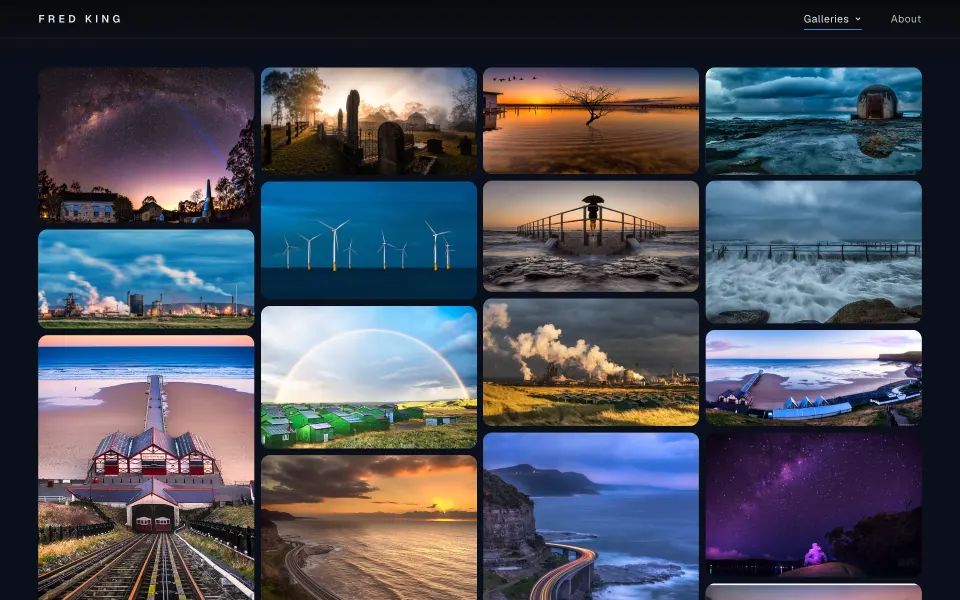
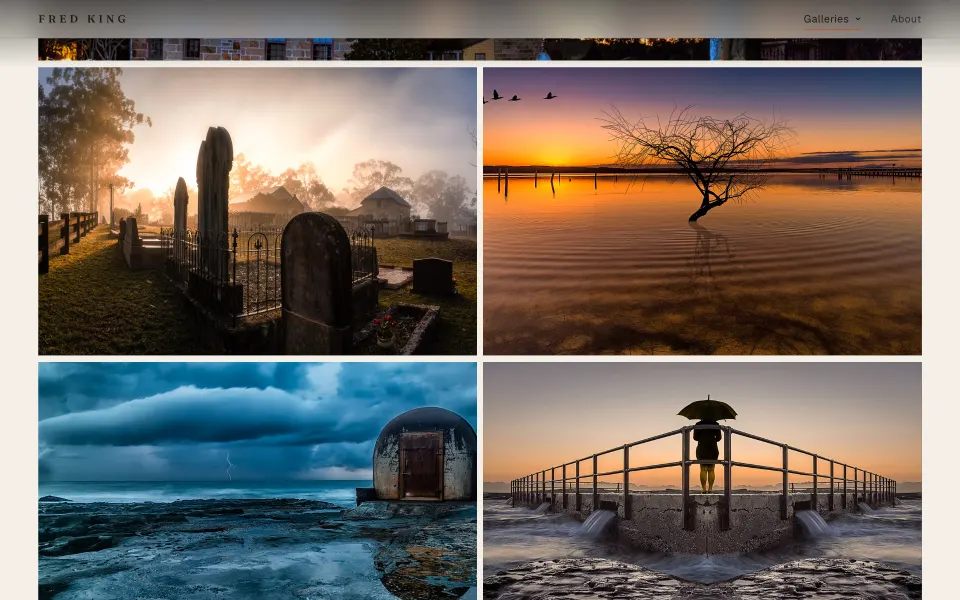
Fred King's 16 galleries, live on his own domain. Your site gets the same pages, filled with your photos and your words.
01Homepage
It opens on your best work
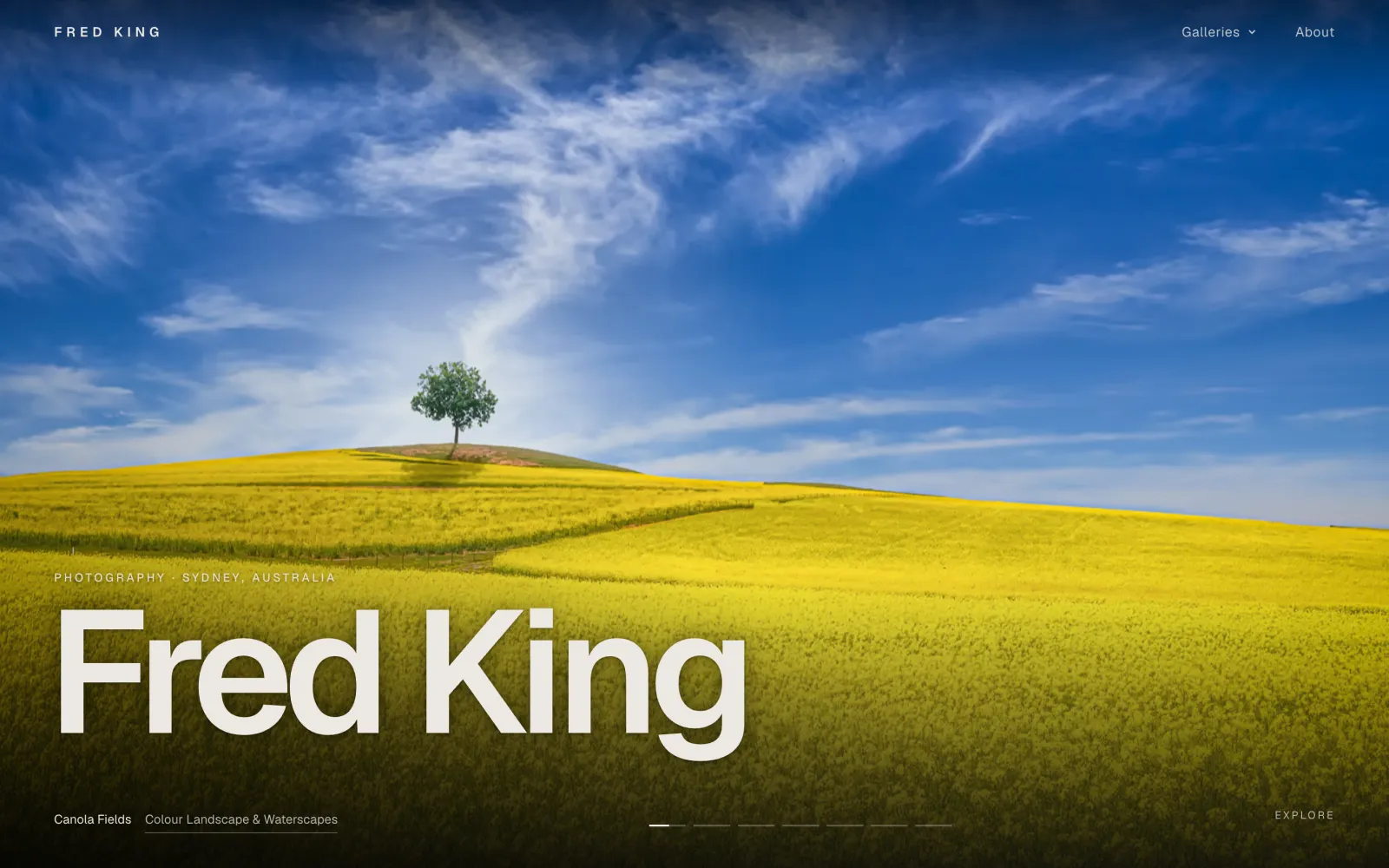
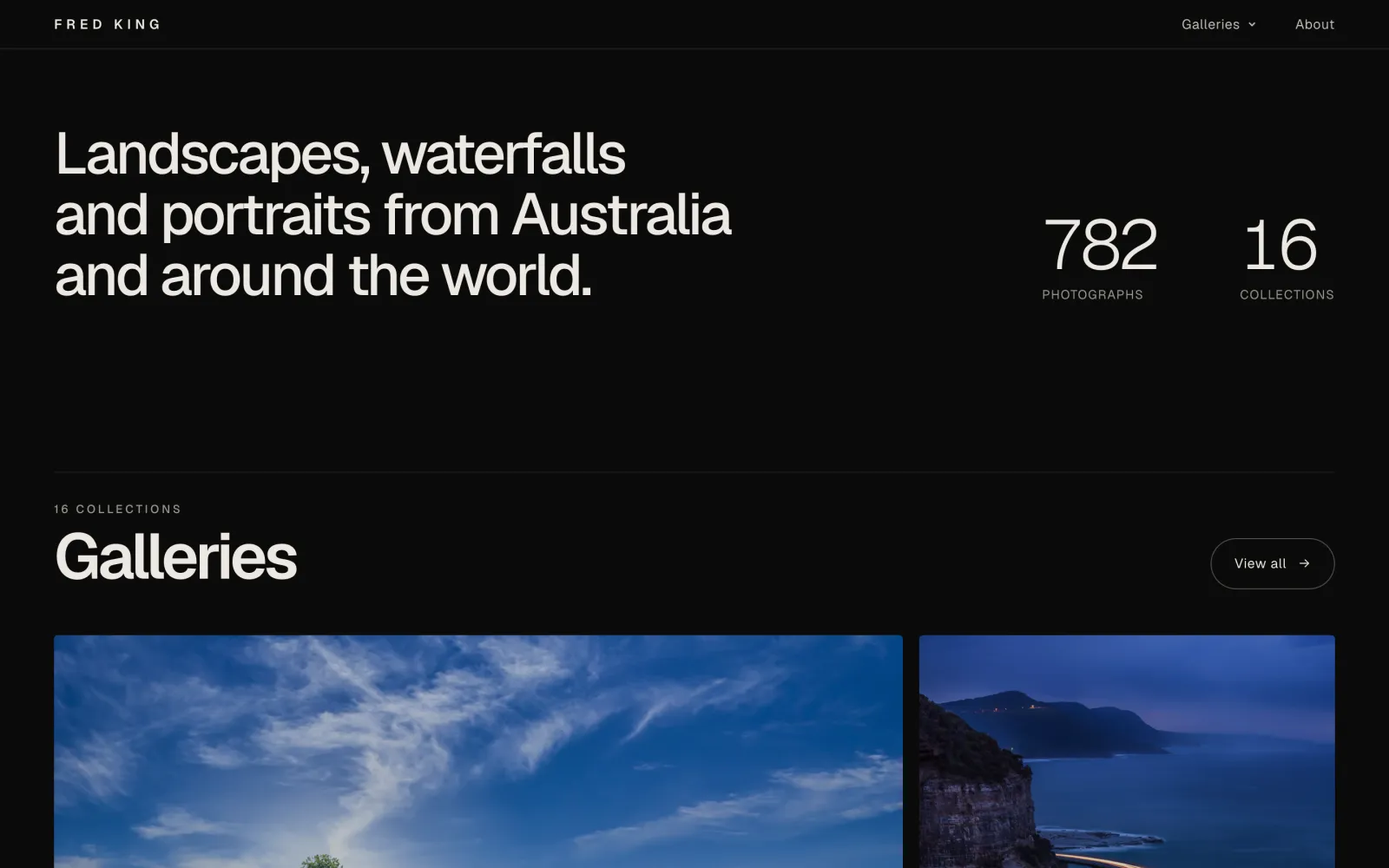
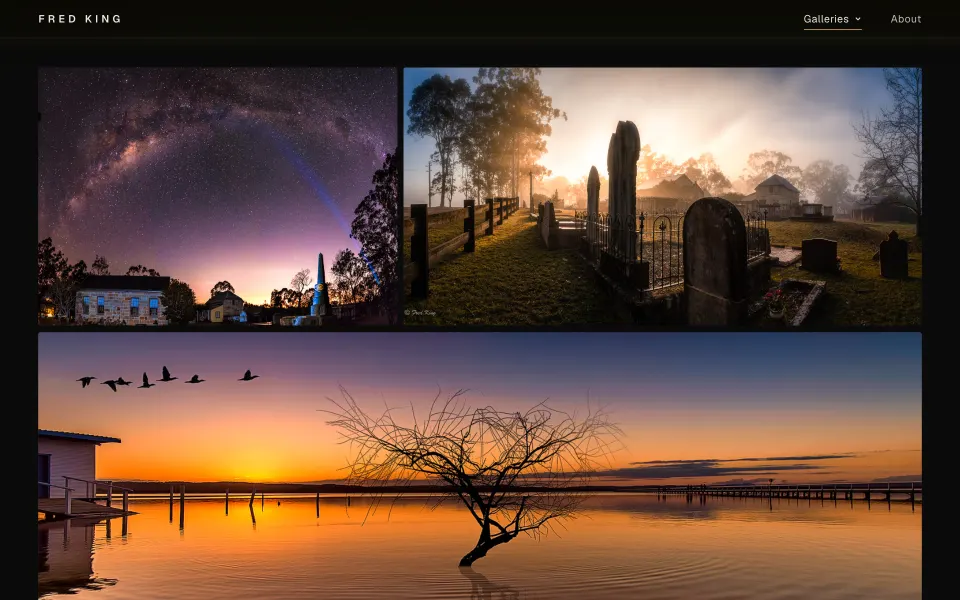
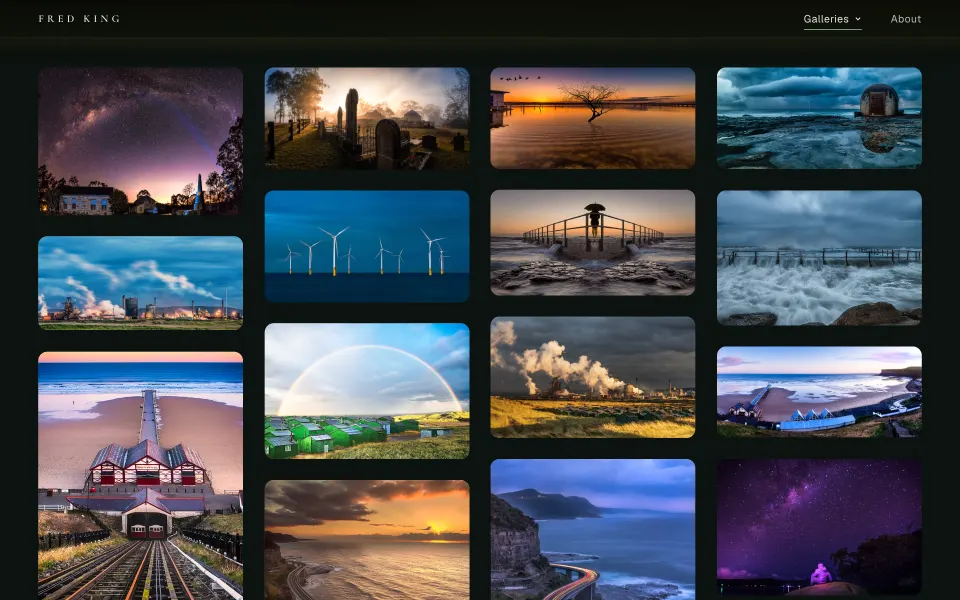
A full-screen slideshow of the photos you choose, then every gallery as a mosaic of its cover photos.
- Slideshow of up to seven photos, in the order you set
- Your name and a line about what you shoot
- Photo and gallery counts, a moving filmstrip and an About section, each one optional
- A Galleries menu that previews each cover as you point at it
02Galleries
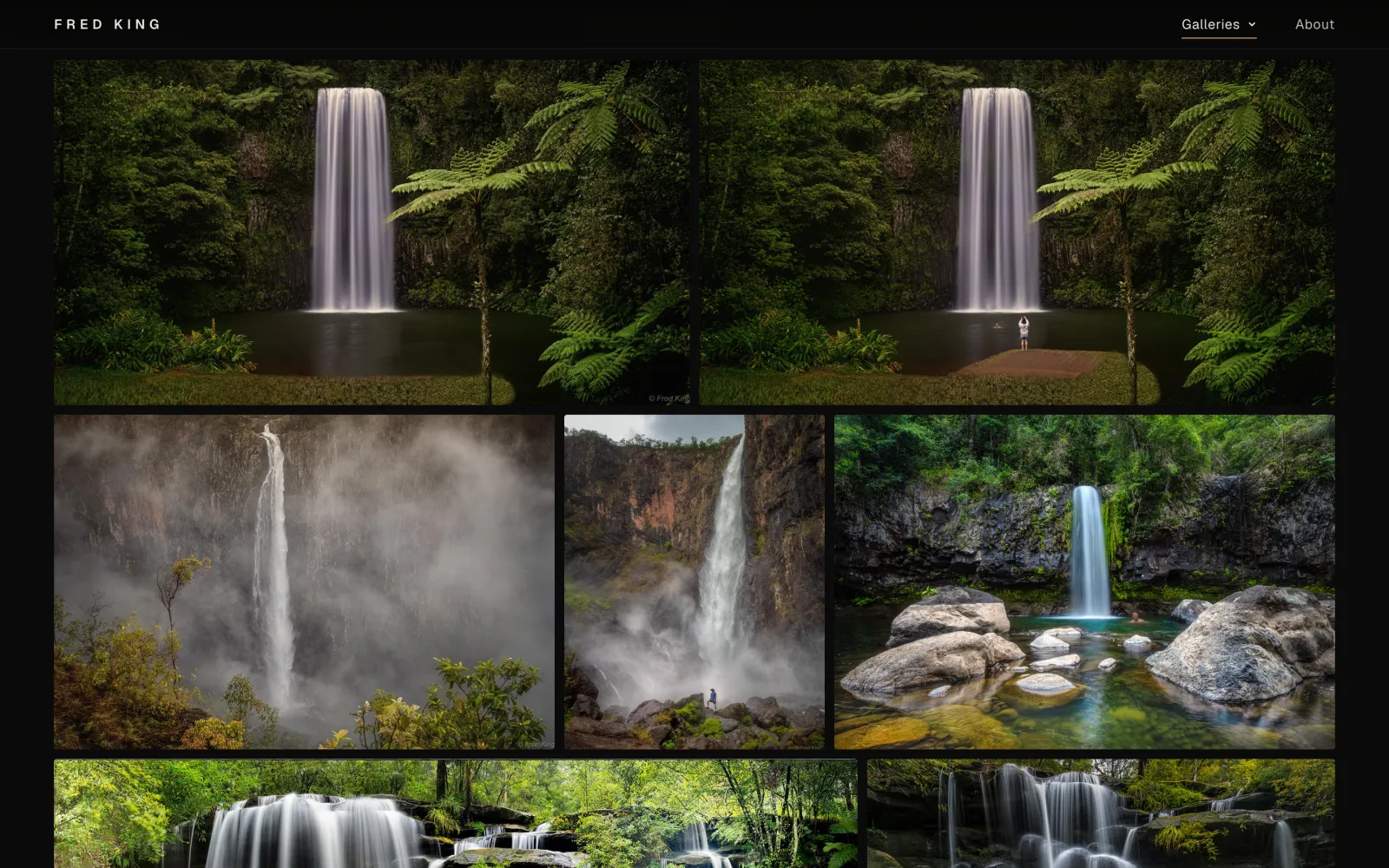
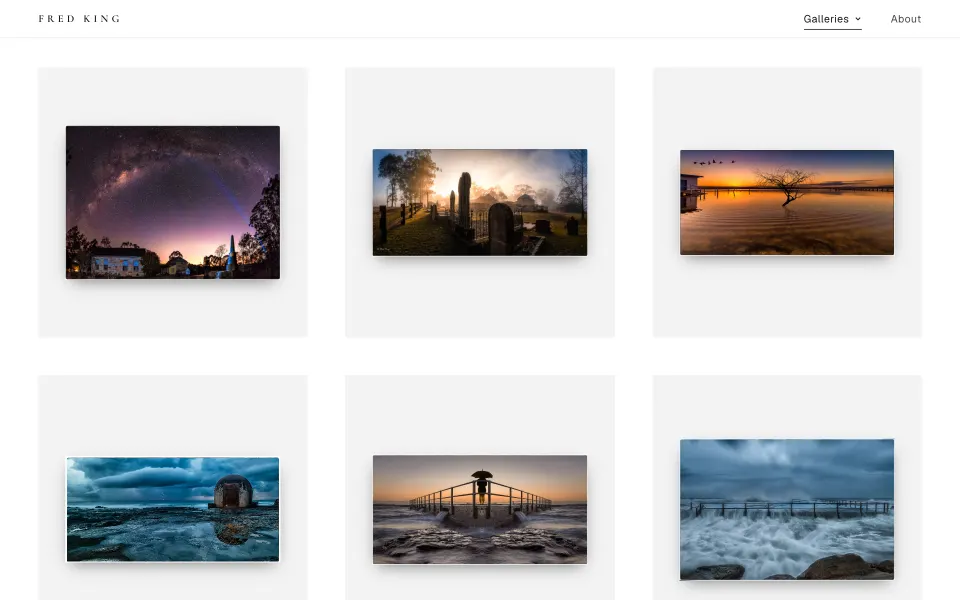
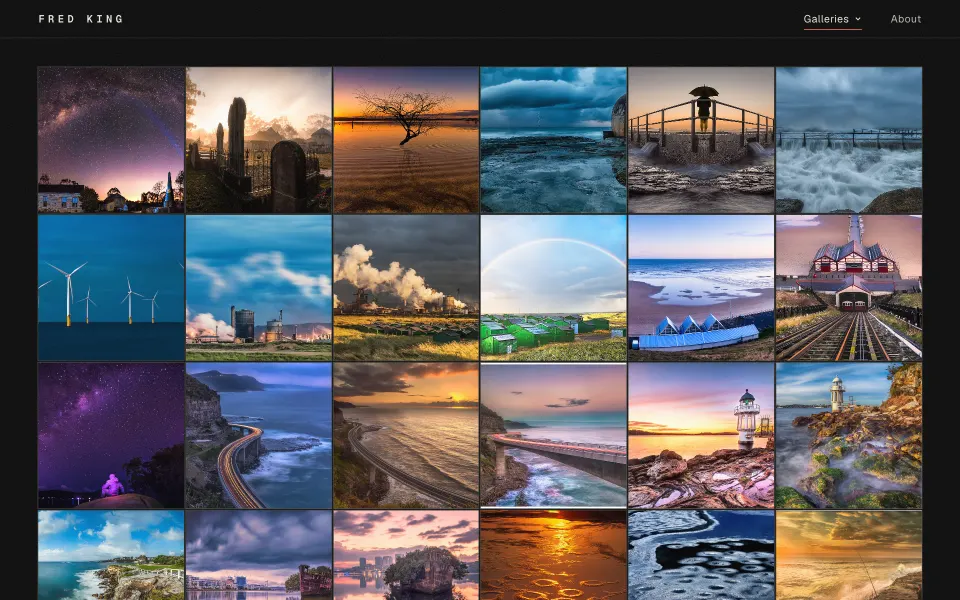
Six ways to lay out a gallery
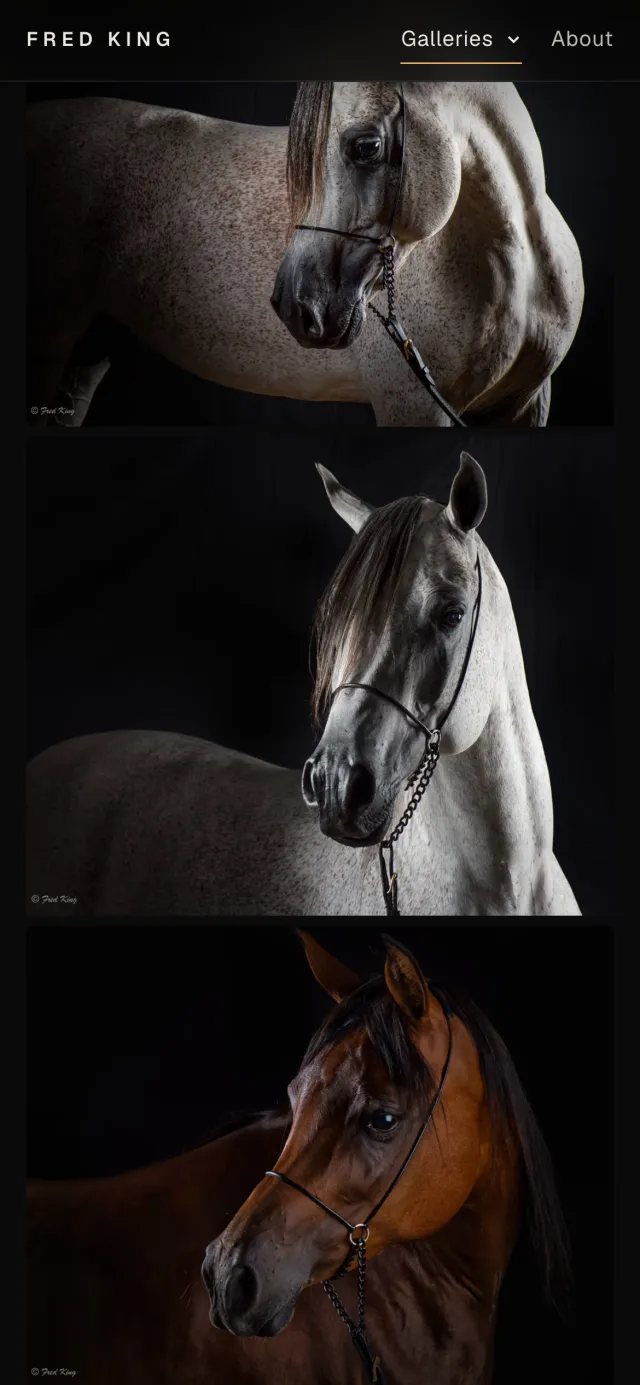
Each gallery opens with its title, under a big cover photo if you want one, then the photos in the order you put them.
- Rows and Masonry show every photo uncropped
- Square grid for a contact sheet look
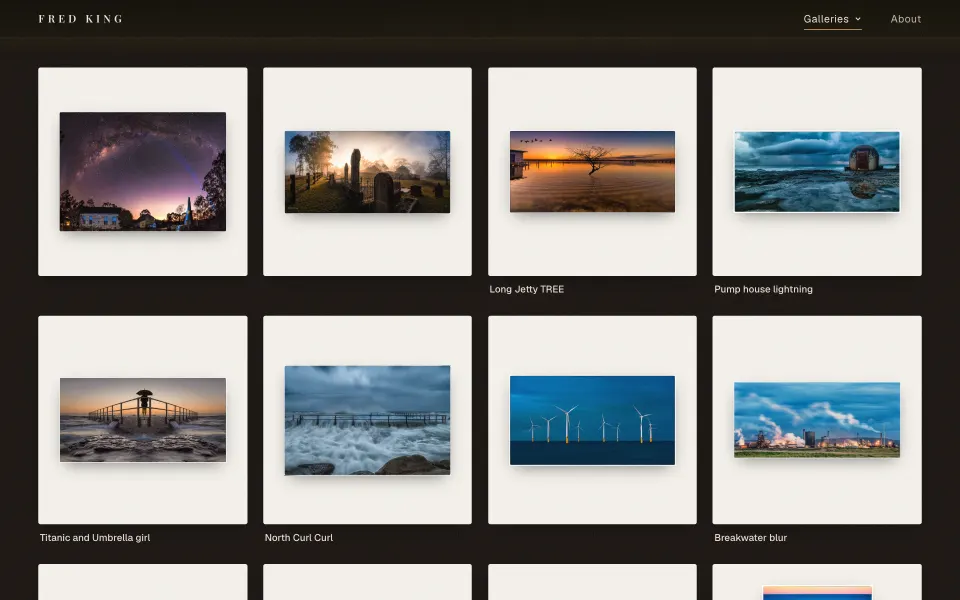
- Gallery wall puts each photo on its own mat
- Magazine mixes big and small, like a photo book
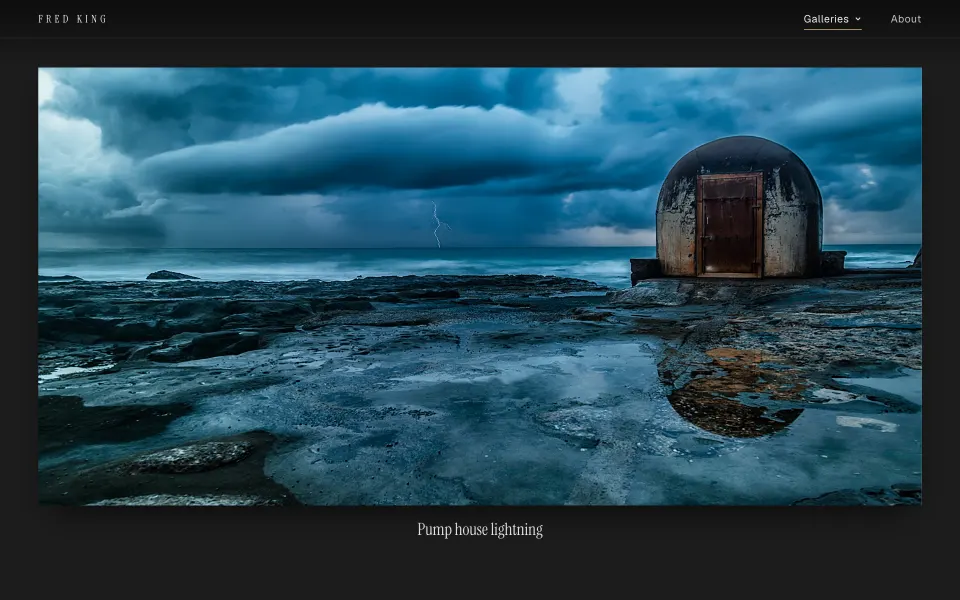
- Exhibition shows one large photo at a time, with its title
03Viewer
Made for looking at photographs
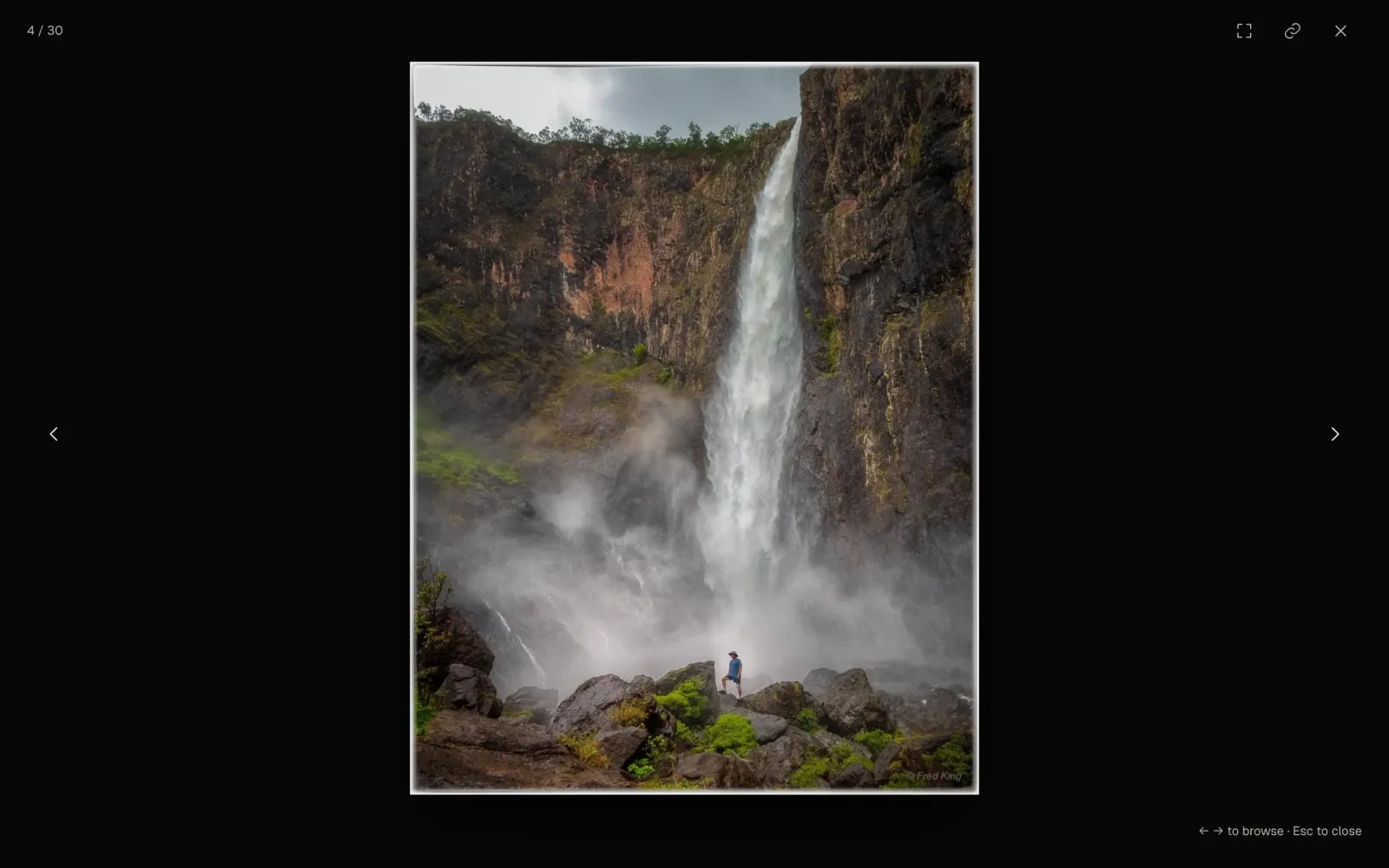
Click any photo and it fills the screen, with nothing else in the way.
- Arrow keys on a computer, swipe on a phone
- Camera, lens, focal length and ISO under each photo, read from the file
- Full screen, and a button that copies a link to that one photo
- The controls fade away when the mouse is still
Every photo is saved in AVIF at five sizes, 480 to 3200 pixels wide, and each screen loads the size it needs
A soft blurred preview in the photo's own colours shows while it loads
Pages are plain files served from Cloudflare's network, with nothing to run on each visit
If the admin is ever offline, the website keeps running
A sitemap for search engines, and share previews that show a gallery's cover photo
Your own domain, served over https
This website, with your photos on it.
03The admin
Run it yourself
You sign in to your own admin with your email address. Change as much as you like: nothing goes on the website until you press Publish.
01Photos
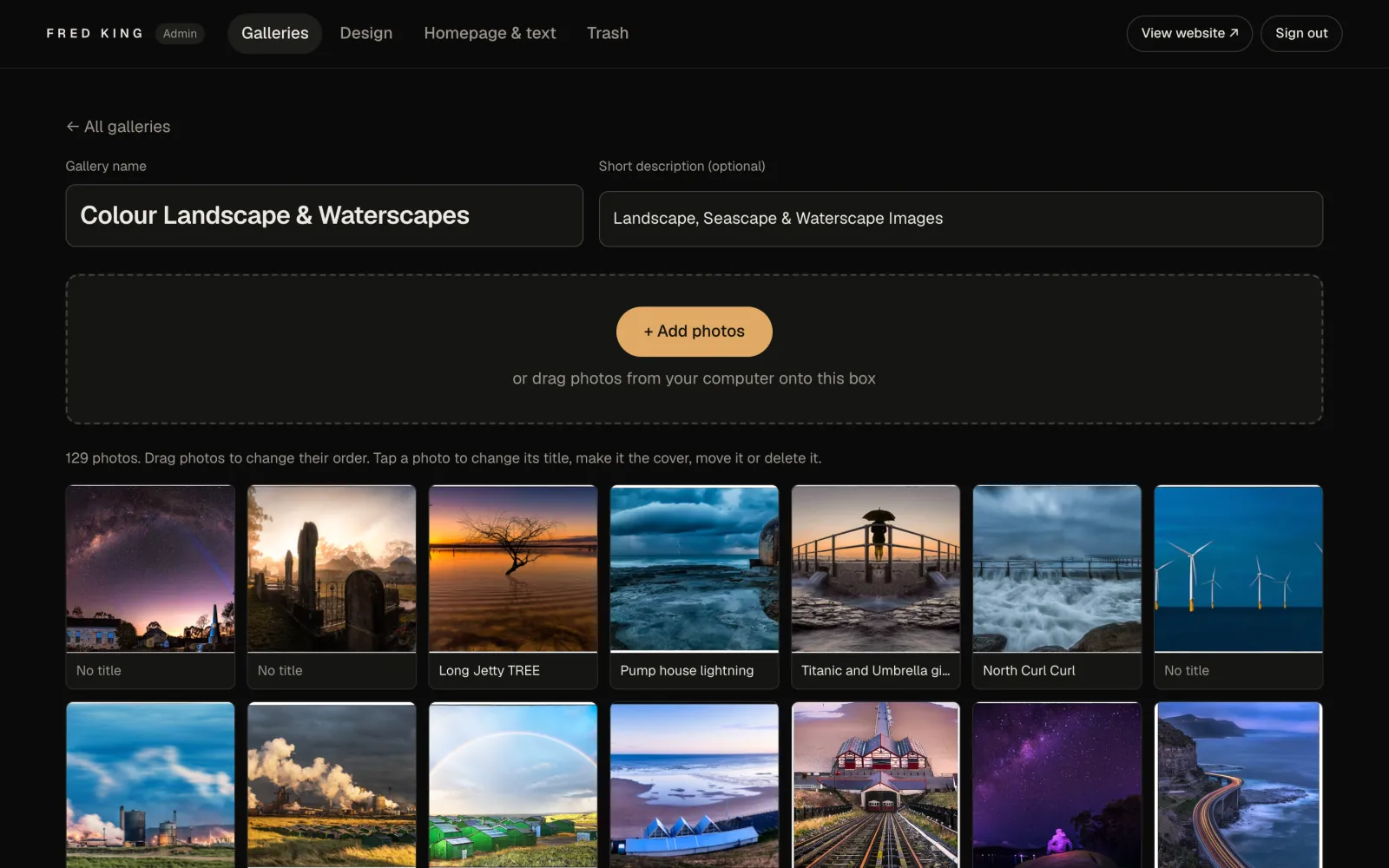
Drop photos in, drag them into order
Drag photos from your computer onto a gallery and they are made ready for the web while you carry on.
- JPEG, PNG, TIFF or WebP, up to 200 MB each
- Titles come from the file names, and you can change any of them
- Drag to reorder photos, and to reorder the galleries themselves
- Set a gallery's cover, move a photo to another gallery or delete it
02Design
Restyle the site without a designer
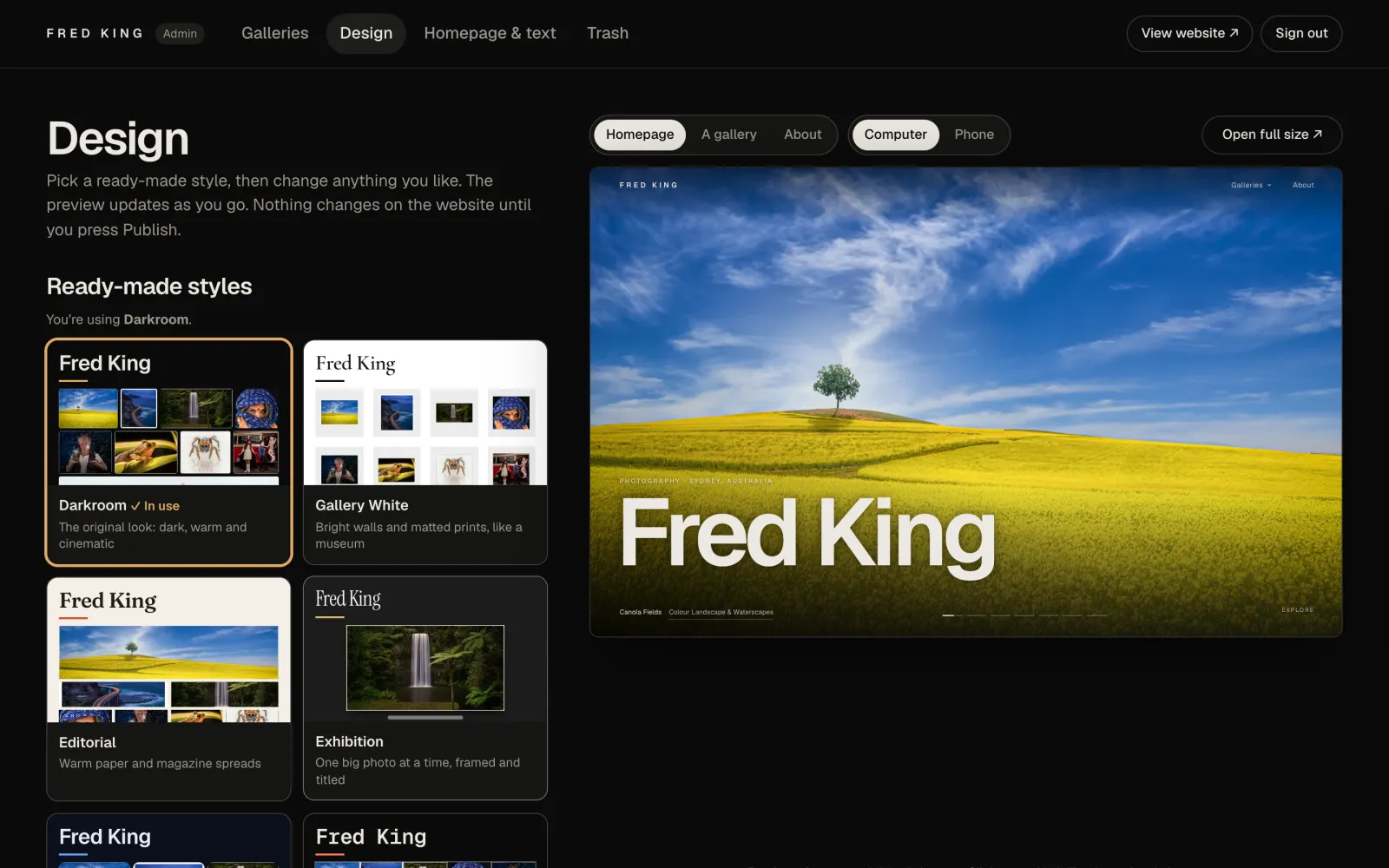
Start from one of the ten styles, then fine-tune it with a live preview beside you.
- Eight backgrounds, from Darkroom to Gallery white
- Ten highlight colours, or your own
- Seven sets of lettering, from clean modern to fine-art serif
- Photo size, spacing, corners, frames, hover effects and titles
- Preview the homepage, a gallery or About, on a computer or a phone
03Publish
It goes live when you say so
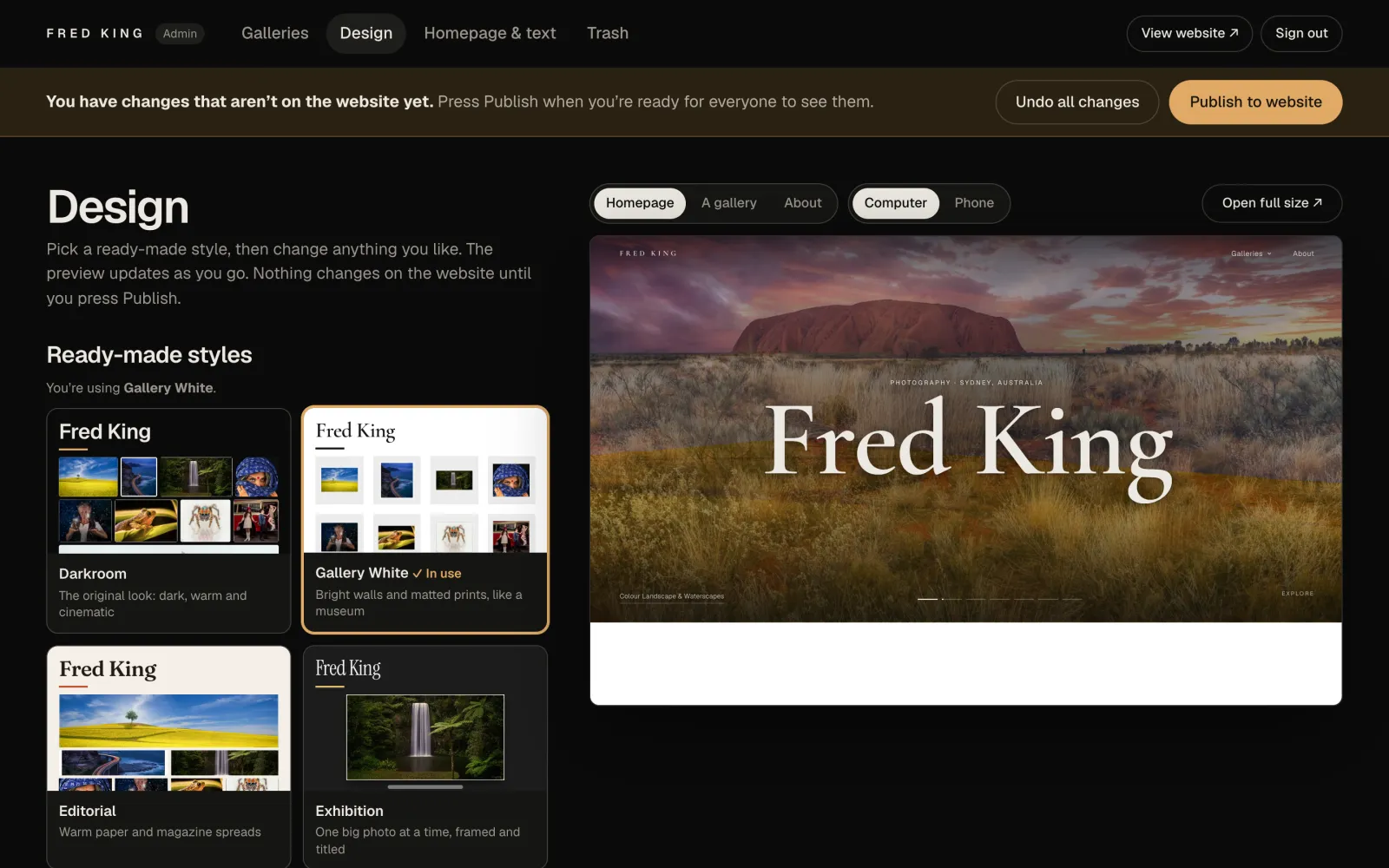
Your changes wait in a draft, and a bar across the top reminds you they aren't on the website yet.
- Publish puts everything live in about three seconds
- Undo all changes puts the draft back to what's live
- Deleted photos and galleries wait in the Trash for 30 days
- A copy of every version you publish is kept
Choose the homepage slideshow photos and drag them into order
Edit the homepage and About page text
Give each gallery a name and a short description
Big batches upload in the background, so you can keep working
Only the people you add can sign in
Works in the browser on a computer, tablet or phone
The admin comes with every plan, from A$21 a month.
04Moving
Leaving SmugMug
We do the move. You look it over before anything changes for your visitors.
- We copy every galleryEvery gallery and photo comes across, with its title, description and order, using the largest copy SmugMug holds of each photo.
- We keep your originalsThe originals go into private storage, apart from the website. JPEGs are repacked losslessly, so not a pixel changes. The web copies are made from them.
- You check itThe new site runs on a preview address first, so you can look through every gallery.
- We switch your domainWhen you're happy, your domain points at the new site and you can close your SmugMug account.
Videos aren't moved across: the site is for photographs.
The move is included in every plan.
05Plans
Pick a plan
Every plan has everything on this page. Plans differ only in how much room you get for your originals. Prices in Australian dollars, billed monthly.
100 GB
Portfolio
A$21/ month
For a portfolio of your best work.
- 100 GB for your original files
- As many galleries as you like
- Your SmugMug galleries moved across for you
- Your own domain
Ask about Portfolio
500 GB
Studio
A$50/ month
For working photographers with years of shoots.
- 500 GB for your original files
- As many galleries as you like
- Your SmugMug galleries moved across for you
- Your own domain
Ask about Studio
Most room
1 TB
Archive
A$60/ month
For a whole career of photographs in one place.
- 1 TB for your original files
- As many galleries as you like
- Your SmugMug galleries moved across for you
- Your own domain
Ask about Archive
Storage counts your original files only; the web copies we make don't use any of it. Move up a plan any time.
06Questions
Good to know
Do I need to know anything technical?
No. We set the site up, move your galleries and connect your domain. After that you upload and arrange photos in the admin, the way you would on SmugMug.
What happens to my original files?
They're kept in private storage, separate from the website, with every pixel as you uploaded it. Visitors only ever see the web copies made from them.
Can I sell prints or share private client galleries?
Not today. The site is for showing your work: print sales, proofing and password-protected galleries aren't part of it. Tell us if you need them.
Can I upload photos from my phone?
Yes. The admin works in a phone's browser, and photos from an iPhone upload as JPEGs.
What if I run out of room?
Move up a plan any time. If you need more than 1 TB, ask us.
Still deciding? The plans differ only in storage.
07Enquire
Talk to us
Send us your SmugMug address and we'll tell you what the move looks like. Or call 0456 567 558.
Prices in Australian dollars, billed monthly.